



On 13 November 2026, one of the first results Google gave us for this question was a forum thread from 2015. One reply in it ends: "Otherwise you'll need 2 different QR codes - 1 for each platform."
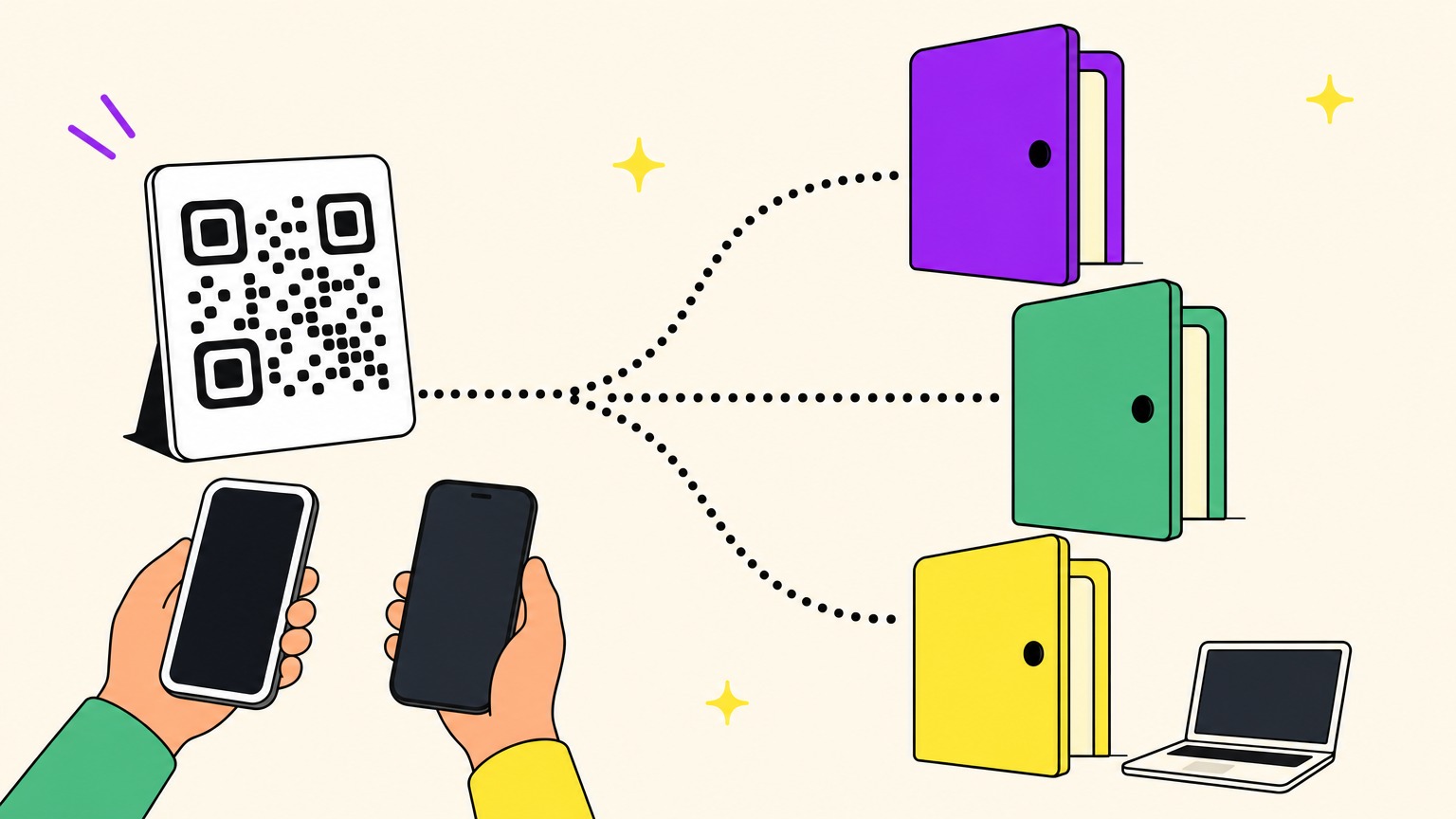
That was true of a plain code, whose squares hold the store address itself. Today one QR code for app download is enough if it's dynamic: its squares hold a short web address, and a service decides where it leads. Give it three links: App Store, Google Play and a fallback for everything else.
We sent our main test codes 25 test requests each. A simulated iPad that introduces itself as a Mac was treated as a computer.
Do You Need Two QR Codes, One per Store?
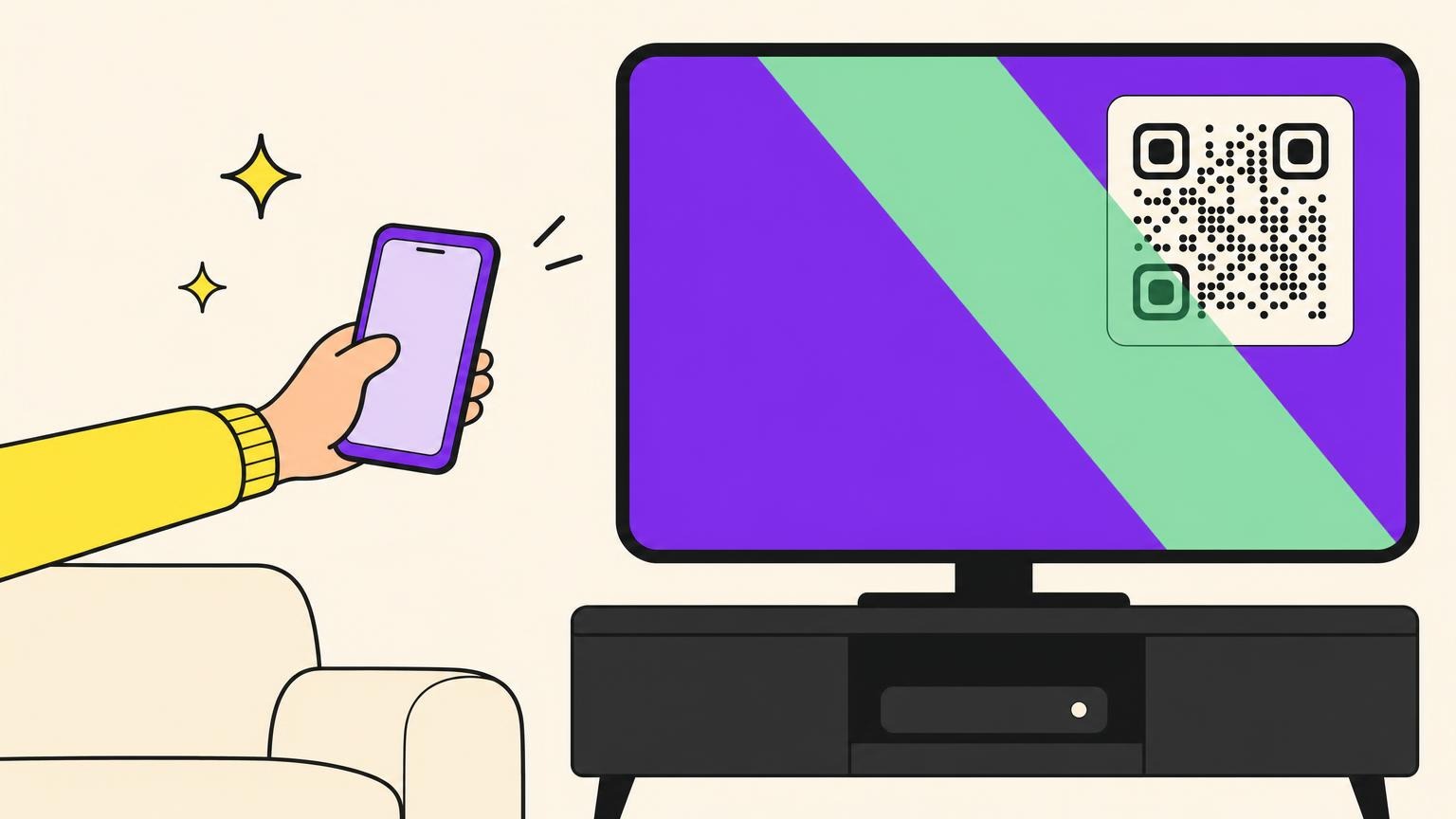
Two customers reach for the counter card at once, one holding an iPhone, one an Android phone. One square of ink, two stores. Who decides?
Not the code. It holds one address and can't look at the phone. The choice happens after the scan, on a server behind a short link: a short web address that hands the visitor on to the real destination.
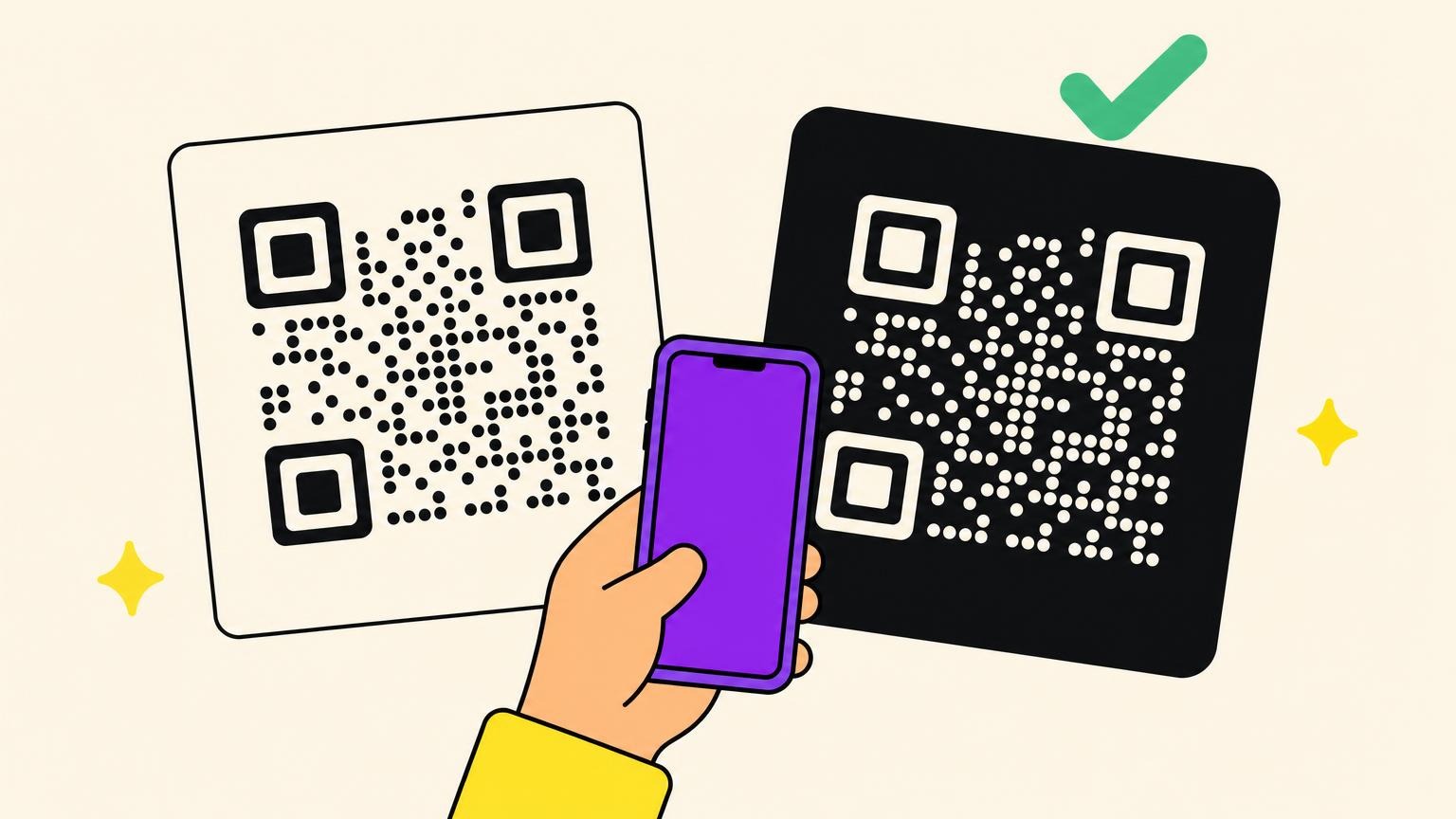
Option A is two static codes, each with its store address inside the squares. They buy independence: no service, nothing to switch off. The cost is twice the space on the card, and a question for every passer-by: which one is mine?
Option B is one dynamic code, which buys space and a calmer card: the squares hold the short link and the server picks the store at each scan. That's where static and dynamic QR codes part ways.
Can you skip a store? Not on these numbers. StatCounter counts which systems view web pages on mobile: pages viewed, not phones sold. In October 2026, iOS, the iPhone's system, had 52% of them in the United States, 36% in France and 28% worldwide. Android had nearly all the rest.
How Does One QR Code Know Which Phone Is Scanning?
The answer is a little disappointing: the code doesn't detect anything. The service behind it takes the phone's word for it.
Every time a browser asks for a page, it sends one line saying what it is: browser, system, often the kind of device. Its technical name is the user agent; we'll call it the signature. Think of a name badge handed over at the door. When a regular points her iPhone at the counter card, her browser introduces itself as Safari on an iPhone. Some devices, though, introduce themselves as something else.
The server behind the short link reads that line and answers with a redirect, an instruction to go elsewhere, sent before any page loads. On the generator we tested, the answer pointed straight to the store address, with no page in between: code 302, a standard web code for a temporary redirect.
Another way to do it is a small page with one button per store: one more tap, and the person chooses.
Who Lands Where: What 25 Test Requests Showed
Most of our 25 test requests landed where you'd bet. One that didn't stands in for a device that's probably sitting on a café table right now.
A script asked the link for its answer 25 times, varying the signature it sent. These were simulations; one real iPhone scan is reported further down. All three links were filled in.
- The App Store link went to iPhones (Safari, Chrome) and to an iPad that introduces itself as an iPad.
- The Google Play link went to Android phones.
- In-app browsers open inside Instagram, TikTok or Facebook when you tap a link. They followed their phone: Instagram and TikTok on iPhone got the App Store, Facebook on Android got Google Play. Whether the store then opens inside them was not tested.
- The fallback link went to computers (Mac, Windows, Linux, Chromebook) and even to a request with no signature.
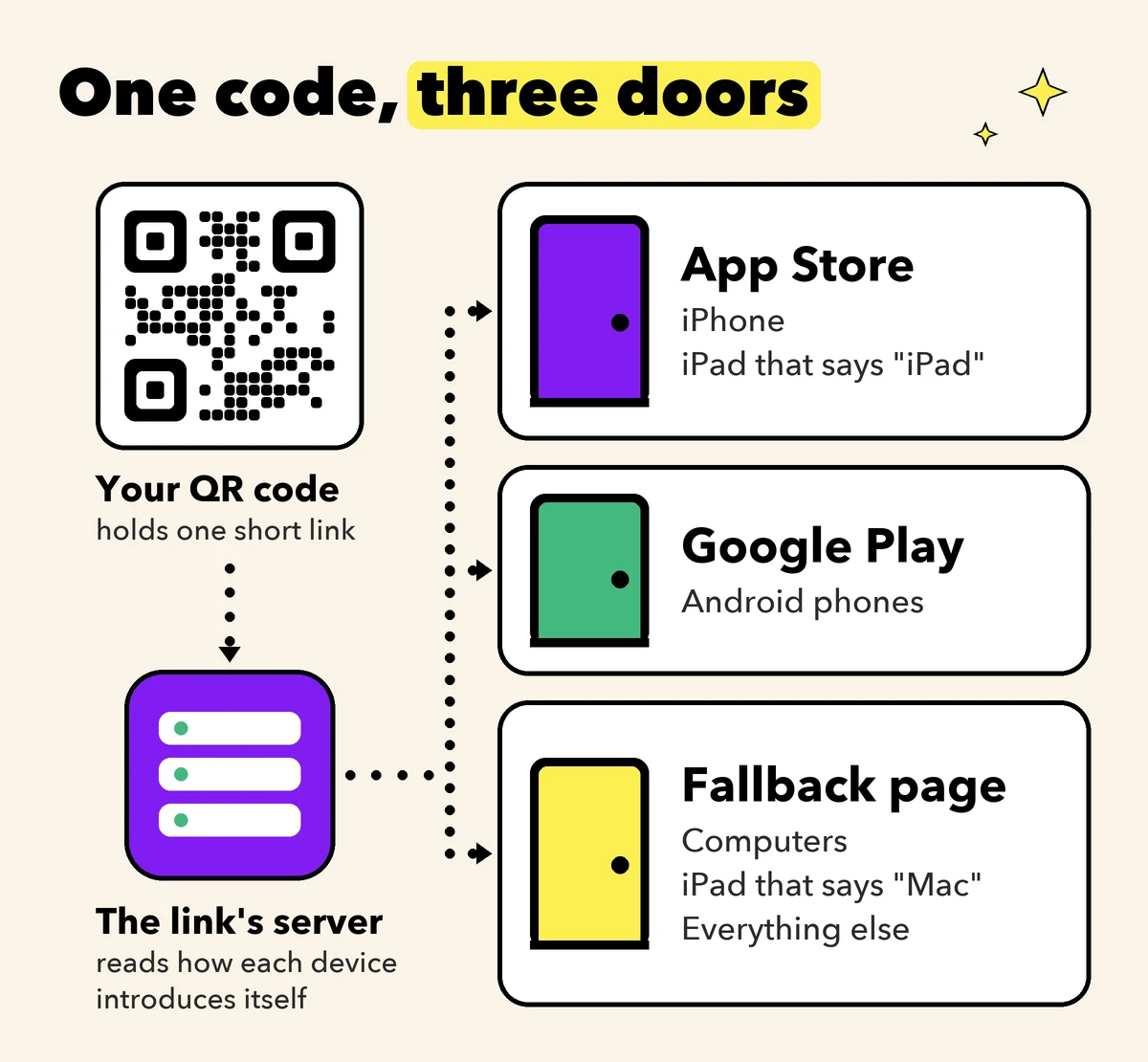
A regular by the window scans the poster with her iPad. The WebKit team builds the engine inside Safari. In December 2019, it wrote that Safari on iPad presents itself as Safari on a Mac most of the time, so that websites serve their desktop version. In our test, that Mac signature was treated as a computer and got the fallback link, not the App Store.
Every answer we got fits one rule: the server looks for iPhone, iPad or Android in the signature and treats everything else as a computer. So with all three links filled, an iPad that says Mac lands on the third one. That page needs an App Store button.
How to Make a QR Code for an App: Fill All Three Links
Setting this up takes three addresses, copied and pasted. It's tempting to fill two; the third decides what happens when something unexpected scans.
- Copy your App Store address. Apple's links look like
apps.apple.com, sometimes a country code, then/app/, a name,idand a number. Easiest way: open your app's page on the App Store website and copy what the address bar shows. - Copy your Google Play address. Android Developers documents the format:
play.google.com/store/apps/details?id=followed by the package name, the app's unique technical name (for examplecom.yourshop.loyalty). - Create a code of the app type and paste each address into its store field.
- Fill the third field, which the generator we tested labels "Fallback link (desktop / other)", with a web page.
- Save, test, then print.
Why the third field? We measured a code with both store links and no fallback: every signature that said neither iPhone, iPad nor Android got the App Store link. That suits the iPad that says Mac. It doesn't suit a Windows laptop whose owner has an Android phone.
Now take the launch month: your app is on the App Store and the Android version is still in review. The form saves a code with a single store link without any warning. In our test, without a fallback, Android signatures were sent to the App Store; with only Google Play filled in, an iPhone signature was sent to Google Play. With a fallback, each got the fallback link.
So never leave the third field empty. Make the fallback a web page with both store buttons: computers land there, and so does the iPad that says Mac. During the launch month, make it one button and a "coming soon on Android" line. When the Android version ships, a dynamic code lets you add its link without reprinting.
Before printing, test with one iPhone, one Android phone and one computer, plus an iPad if one is around. Then say next to the code what people get, such as "Scan to get our loyalty app": see what to write next to a QR code.
One QR Code for Several Countries or Languages
A second shop opens across the border, in a bilingual city. One code per country? Per language?
For the App Store, a campaign link often makes a rule unnecessary. It's a link made in Apple's developer tools for marketing. Apple says each person who uses one lands in their own country's store, whichever one the link points to. Rules earn their place when the app isn't available everywhere, or for one page per language.
For those, the generator we tested uses a website-type code and a section it calls "Smart rules". Say the app is live in one country only. One rule sends iOS plus that country to the App Store, another sends Android plus that country to Google Play. Everyone else gets the code's main address: a "coming soon" page.
Rules are read top to bottom, the first match wins, and conditions inside one rule add up; the same rules can also switch by time of day. A rule for iOS and France caught an iPhone signature from France. Placed under a plain iOS rule, it didn't fire: put the most specific rule on top.
Country is where the connection comes from, tested from France only: the France rule fired, not the United States rule above it. Language is the phone's setting, not the person's: a request announcing English got the English rule, one announcing French the French rule.
Building a multilingual QR code? Check first that the generator lists your country and your language.
What One QR Code Cannot Do
A month after launch, the owner asks how many installs the poster brought. The code can't say.
It counts scans, not installs. A dynamic code counts openings of its link, which is what a scan count measures. Stores measure downloads. Apple's campaign links count a first-time download made within 24 hours of using the link, and only show a figure from 5 upward. Google Play keeps referral information that the app's developer has to retrieve.
It doesn't open an installed app. Regulars who already have the app are sent to the store page too. The generator we tested has a separate code type for that. Its link serves a page that tries to open the app; if nothing has happened after 1.5 seconds, it goes to a fallback address. We read the page it served; we didn't try it on a phone with the app installed.
It lives as long as its service. Google set an end date for Firebase Dynamic Links, its own link service for apps: 25 August 2025. After it, says the service's FAQ, "All links clicked will return a HTTP 404 status response to end users." That's page not found; static codes run no such risk. More on whether QR codes expire.
What We Measured, and What It Doesn't Prove
We ran the tests on 13 November 2026, in the development environment of the generator we tested. A script asked each short link for its answer without following it, changing the signature and the language announced. We created 13 test codes for these measurements; none is left. Each main code got 25 requests: 22 different signatures, two of them sent a second time with extra hints about the device, and one request with no signature. The extra hints changed nothing.
We added one real scan. The same day, an iPhone scanned a fourteenth code, set up with the same three links, and landed on the App Store page. We drew that code's image ourselves from its short link; the code is gone too.
What it doesn't prove: beyond that one iPhone, no real phone or iPad scanned our codes. Country was measured from one place only, France. The case of an app already installed wasn't tested. The image the generator exports wasn't checked this time: that it holds only the short link comes from an earlier test of ours. And the live service wasn't tested, only its development environment.
So, One Code or Two?
One dynamic code with three links, the third a page with both store buttons, and a three-device test before printing. Or two static codes, if you'd rather depend on nobody. Either way, write next to the code what people get.
Every test above ran on Oh My Code, our own generator, in its development environment, on a paid plan. Dynamic codes are a paid feature with a free trial.
Make your poster's code and send every phone to the right door.
QR Code for App Download: FAQ
Can I create a QR code for an app?
Yes: either one code per store, or one dynamic code holding both store links plus a fallback. Either way you need the addresses of your app's store pages. For one QR code for iOS and Android, fill the fallback too: it keeps phones out of the wrong store while your app is on one store only.
What happens if someone opens the code's link on a computer?
It depends on the third link. With a fallback, computers land on it. Without one, on the generator we tested, a computer got a store link: the App Store's when both stores were filled in. A fallback page with both store buttons gives a computer visitor the choice, and gives the iPad that says Mac its App Store button.
Can a QR code open an app that is already installed?
Not a store-page code. A deep-link code is built for that: a deep link points to a screen inside the app. Its page tries to open the app and falls back to a web address after a short wait, 1.5 seconds on the generator we tested.
Can I see how many people installed my app from a QR code?
Not from the code, which counts scans. The stores count downloads: Apple's campaign links credit a first-time download made within 24 hours of using the link. Apple lets you create one only once your app has data, so your app store QR code may be printed first. With a dynamic code, the campaign link can replace the plain one later, without reprinting.
Is a QR code for an app free?
Partly. Two static codes, one App Store code and one QR code for Play Store, can be made without paying. One code that picks the store for each phone is a dynamic code, a paid feature on the generator we tested. More on whether you have to pay for a QR code.