



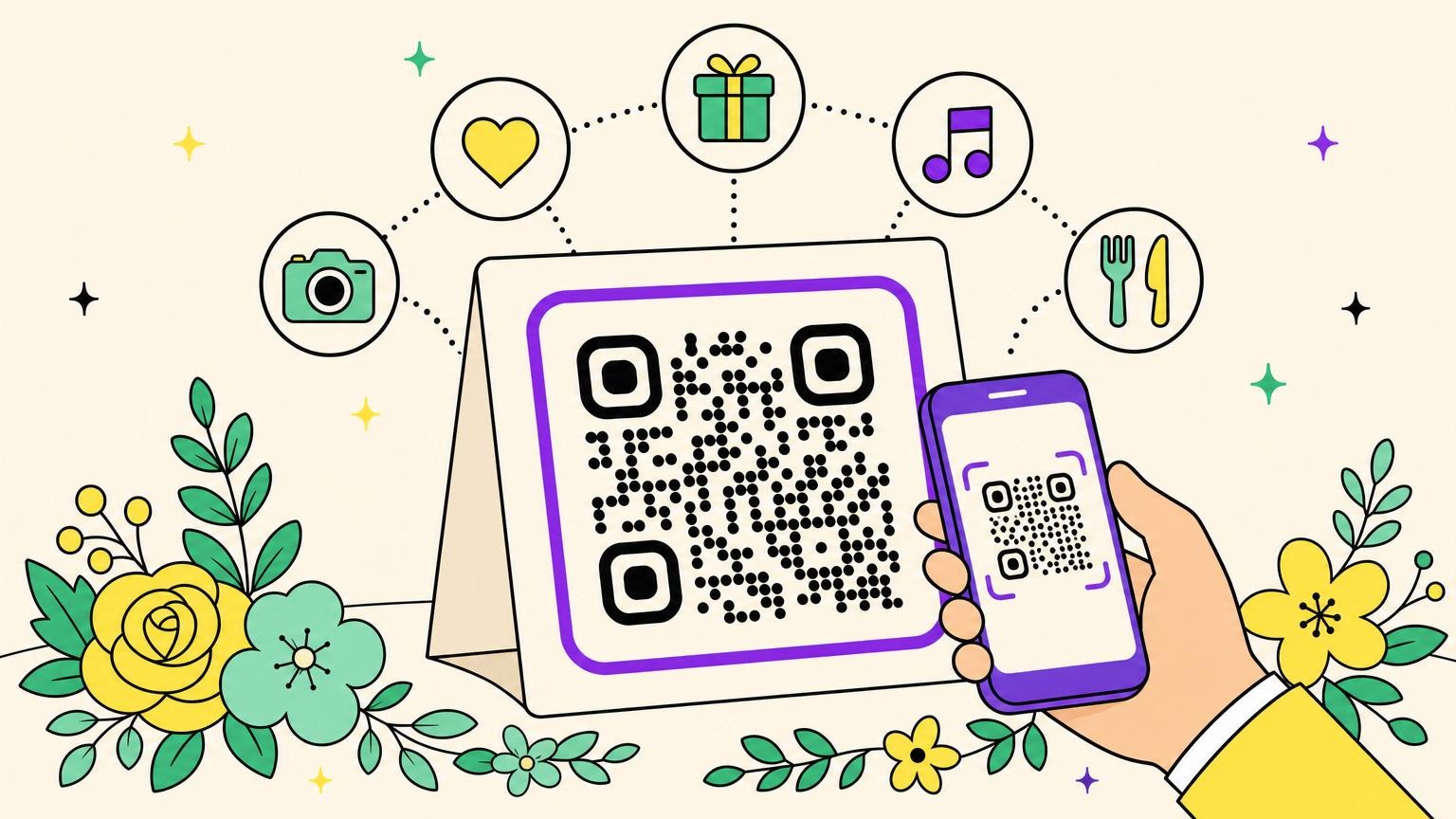
For a lot of couples, the wedding QR code boils down to one job: collecting the photos from the night. Fair. But that badly undersells it.
That little square now runs the guestbook, the gift fund, the playlist, the menu, even the invitation. One printed dot doing the work of a paper stack and weeks of chasing people down. It only pays off if it delivers, though: a sloppy black square nobody scans, and the whole plan falls flat.
Here are six wedding QR code ideas that pull their weight, from the dance floor to the morning after.
1. Collect your guests' photos, no app, no account
Three months after the wedding, your sister is still nagging a group chat of 47 people for photos that will never show up. "Promise, I'll send them this weekend."
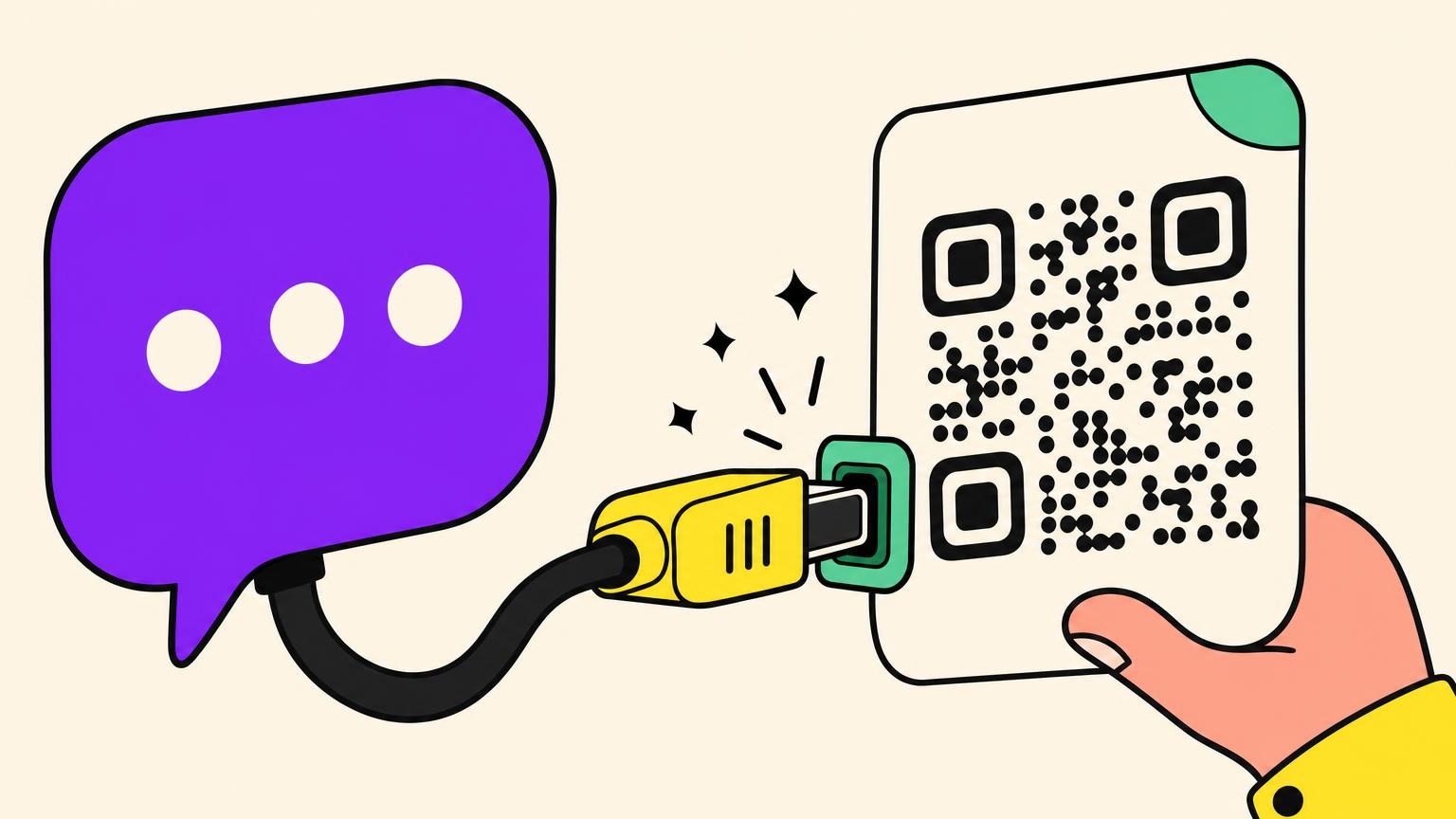
A well-placed QR code for wedding photos makes the whole problem vanish. One code your guests can see during the night (on tables, at the bar, by the entrance), and they drop their photos and videos into a shared album with a single scan. No app, no account. It's couples' number-one criterion, and the make-or-break detail for your least tech-savvy guests.
The hashtag goes nowhere, and "just send me your photos later" fails almost every time. One couple who sent the link to their wedding party ahead of the day pulled in close to 250 shots. Friction decides the outcome, not the tool.
Run a photo challenge ("the bride's shoes", "the oldest guest in the room") to dodge 800,000 selfies and ceiling shots, then download the album fast: some "free" services wipe everything after 30 to 60 days. That album becomes your morning-after gallery.
A QR everyone can see during the party, backed by a nudge from the DJ: the only version that actually collects anything.
2. A video guestbook your guests fill in with a scan
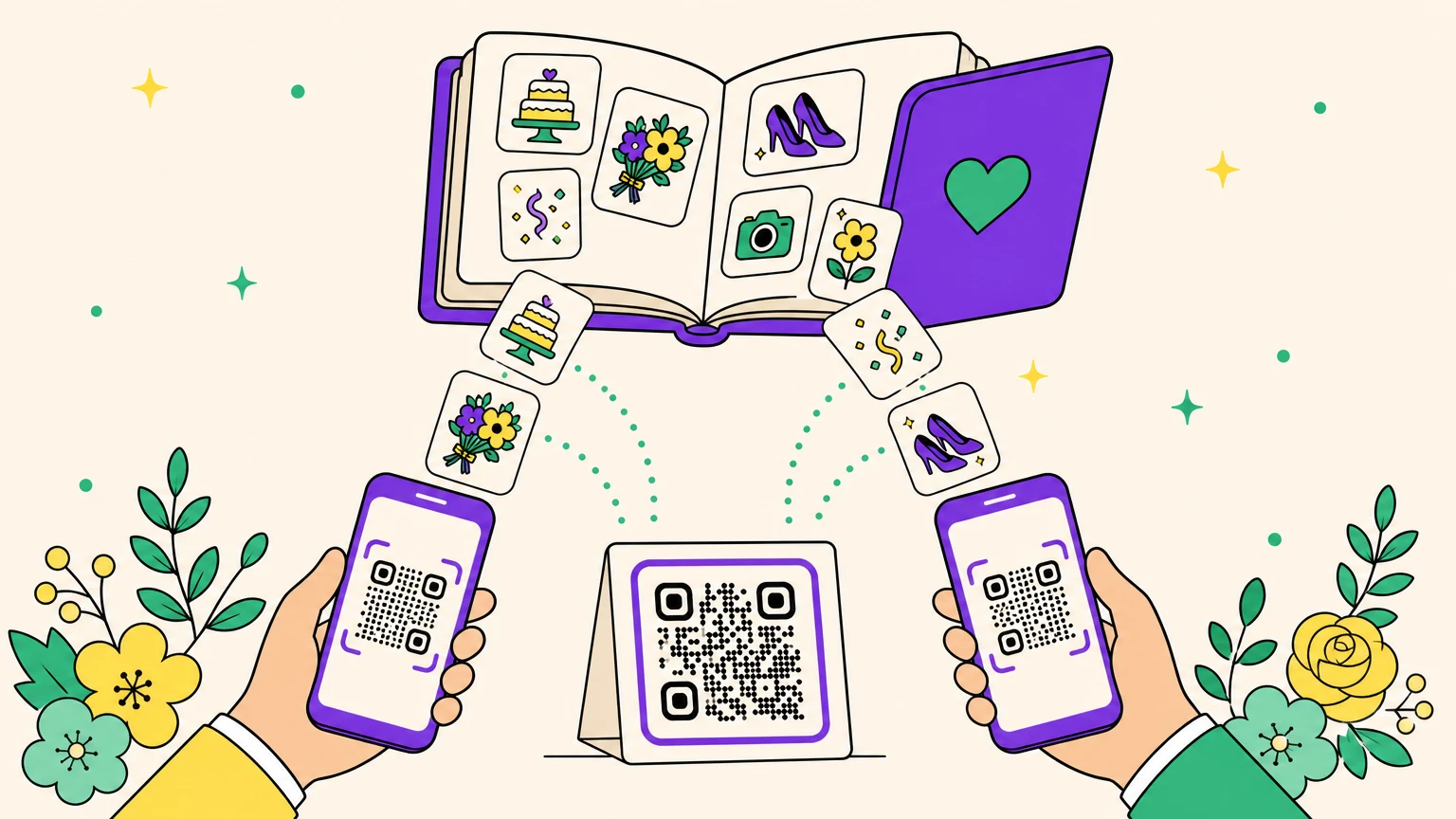
The guestbook where nobody writes anything past the fortieth "wishing you all the best" has had its day. Instead, your guests scan a QR and leave a few seconds of video or voice. One square on the tables, and you walk away with an archive far more alive than a pile of signatures.
The catch nobody mentions: this modern guestbook sometimes loses messages. A wedding planner who still doesn't regret hers lays out the real risks. Corrupted recordings, a box quietly unplugged with nobody noticing, memory full before the night is over, VIP guests who forget to stop by. Her fix: chase people down during the party, and keep a paper guestbook as backup.
Prefer a physical object? The vintage "audio guestbook" phone (under $150, runs on batteries, messages from 7 to 120 seconds) is charming, but it's a real line on the budget.
A video message in one scan (nothing to install, nothing to rent), a vintage phone (lovely object, pricier, same risk of lost messages), or paper (indestructible but flat): your call on how to mix them.
3. A cash fund your guests scan on the way in
Here's the idea almost no couple is showing off yet: swap the card box and the envelope for a QR code parked at the entrance. A little display, a code, and the fund fills up while your guests find their seats.
Behind the QR sits your online fund: honeymoon, a big project, a cash registry. Guests scan, chip in from their phone in a few seconds, no cash or checks to plan for. No more envelope forgotten on the dresser at home.
The options are everywhere now: a honeymoon fund, a cash registry, or a payment pool like Venmo or PayPal. The one thing to check before you print is the fees. Some take a cut, some charge your guests, some are free depending on how the money moves, so read the fine print on the one you pick. And if your service offers a printable display, even better: fold it, stand it up, and you've got a self-serve station with zero DIY.
Same logic as the rest of the registry, a physical gesture instead of a vague promise ("I'll send a transfer one of these days"). So if your people would rather fund your honeymoon than gift you yet another toaster, prop the display next to the seating chart and let the QR pass the hat.
4. A playlist your guests build from their table
Turn every guest into a co-DJ without making them leave their chair. A QR pointing to a collaborative playlist on the table cards or at the bar, and the tracks pile into the queue on their own.
The idea borrows from Spotify Jam and its cousins: a shared space where everyone adds their tracks live, instead of hounding the DJ all night. An invitation to a Jam space expires after 7 days, so switch it on right before the big day. And since a dynamic QR lets you swap the playlist behind the same printed code, you can build yours weeks ahead, then tweak it without reprinting a thing.
The DJ keeps a hand on the mood, but the room feels like it's choosing. You'll also discover the questionable taste of Aunt Carol along the way.
Small touch, big effect on the dance floor: one of the easiest ideas on this list to pull off.
5. Schedule, menu, and seating chart on a single sign
One QR sign per table replaces eight to ten printed menus. Less paper, less budget, and zero reprints if the chef swaps a dish the night before.
Behind that square, you tuck everything that used to clutter your tables: the run of the day, the menu, the seating chart, all readable from a phone. The idea gets genuinely useful for a multi-day or destination wedding, when your guests need to check the schedule at any moment without chasing you down. The menu shows allergens and adapts to a dietary need or a last-minute change, no trip back to the printer.
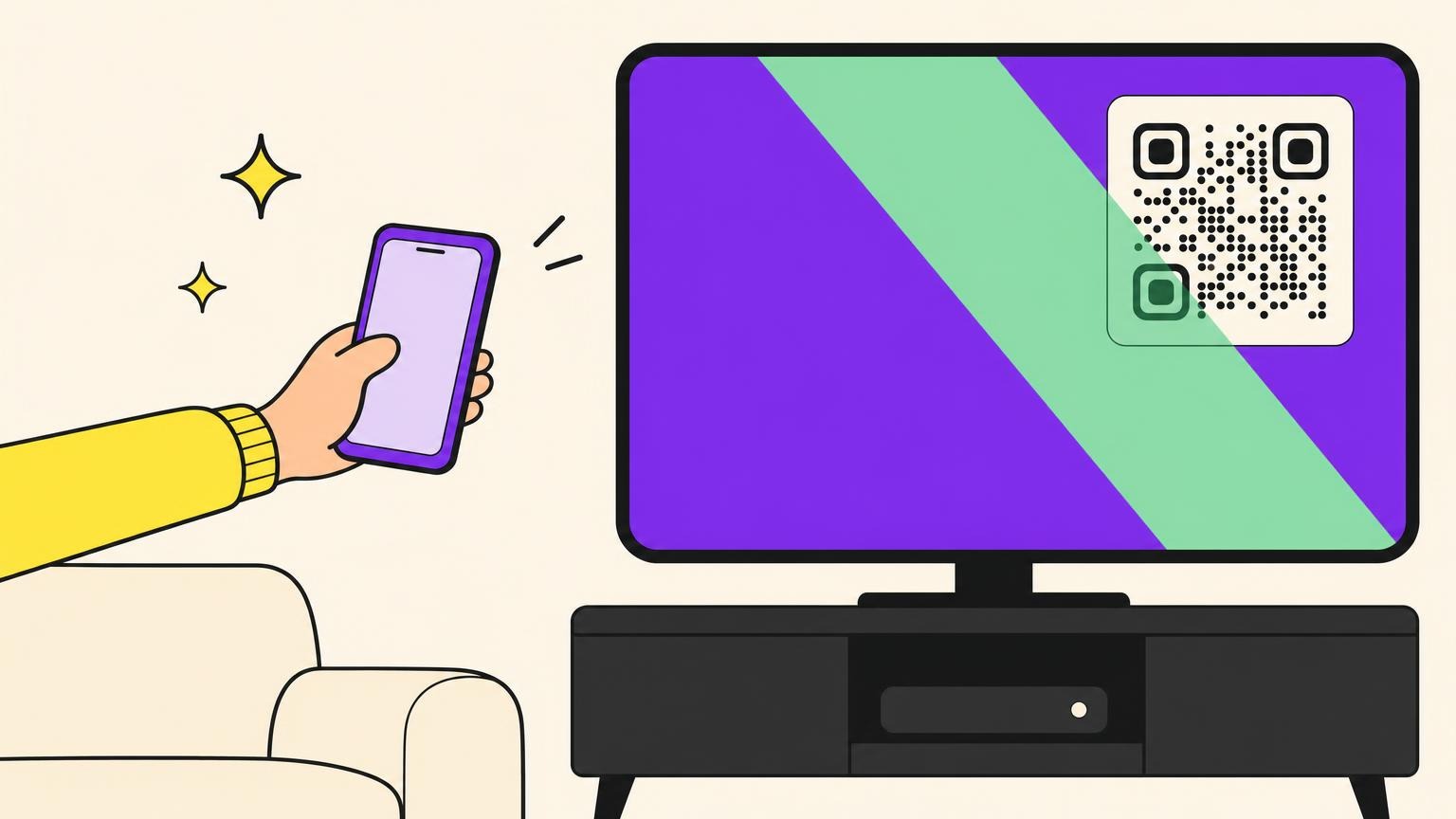
One trap to plan for: reception venues often have flaky mobile signal. Post a small Wi-Fi QR right beside it (one scan to connect) so the schedule and the photos load without a fight, especially for guests stuck on a single bar.
Ten cardboard menus per table ending up splashed with sauce, or one elegant sign that updates itself: the math isn't hard.
6. A wedding invitation that handles RSVPs (and stays editable)
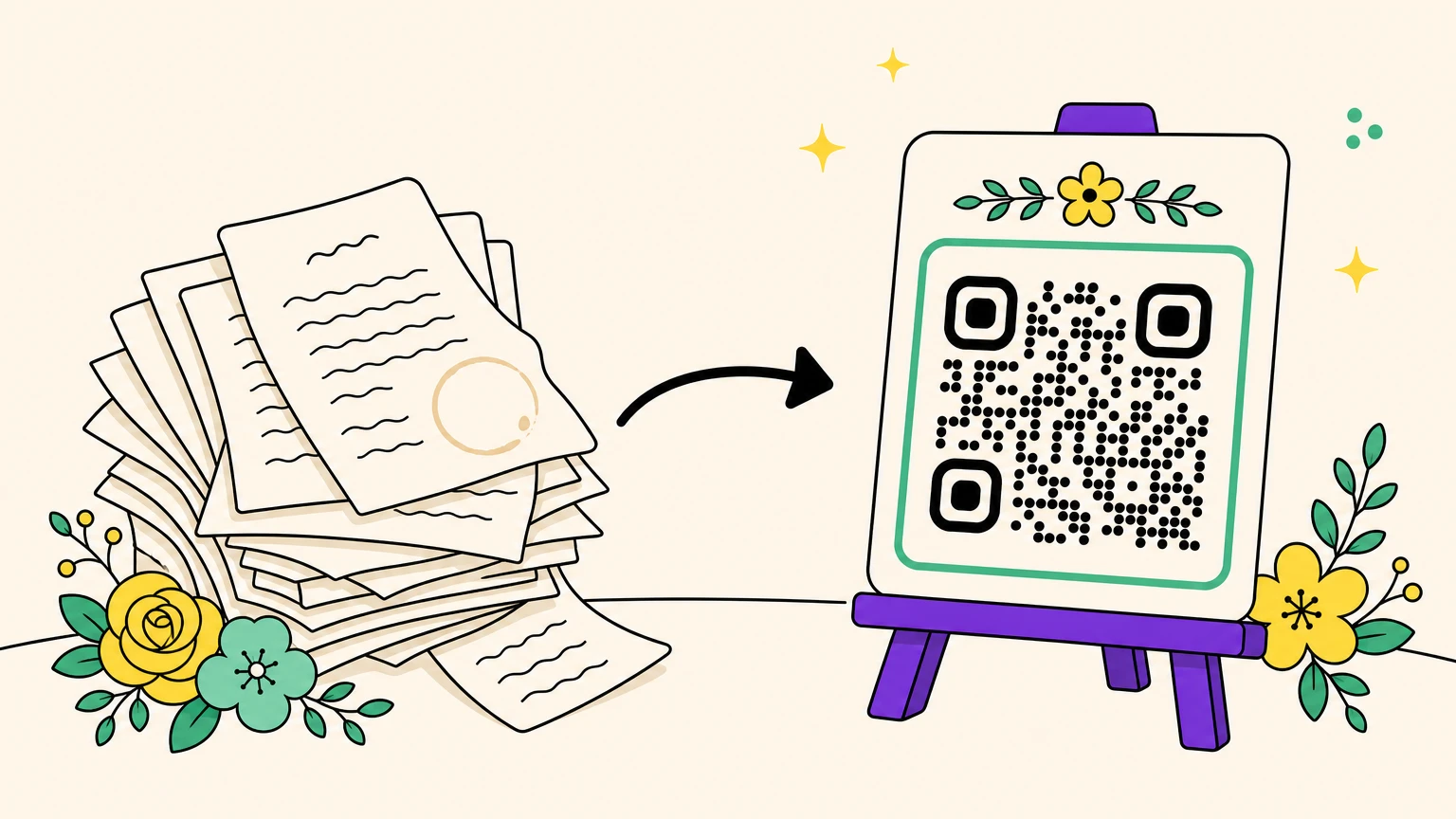
It all starts well before the big day, though, with the invitation. And there's a trap waiting there: the card goes out 4 to 6 months ahead of the wedding (2 to 4 weeks just for printing), while your site, your RSVP, or the address can all still change. The content is locked early, but the link is still moving.
A QR on the wedding invitation leads to your wedding site: RSVP, countdown, Google Maps directions. Replies collect themselves, no more chasing anyone by text. And the same square, editable after printing, later points to your gallery on the thank-you card.
Every idea here rests on a QR your guests will actually scan, one that neither wrecks your stationery nor quits on you when a link changes. That's where a dynamic, well-dressed QR changes everything. At Oh My Code, your wedding QR codes stay editable after printing and dress up in your colors, a long way from the sad little black square.
Give your wedding a QR code worthy of your stationery, and let the little square work for you right down to the last thank-you.
Wedding QR code FAQ
How do guests share their photos with a wedding QR code?
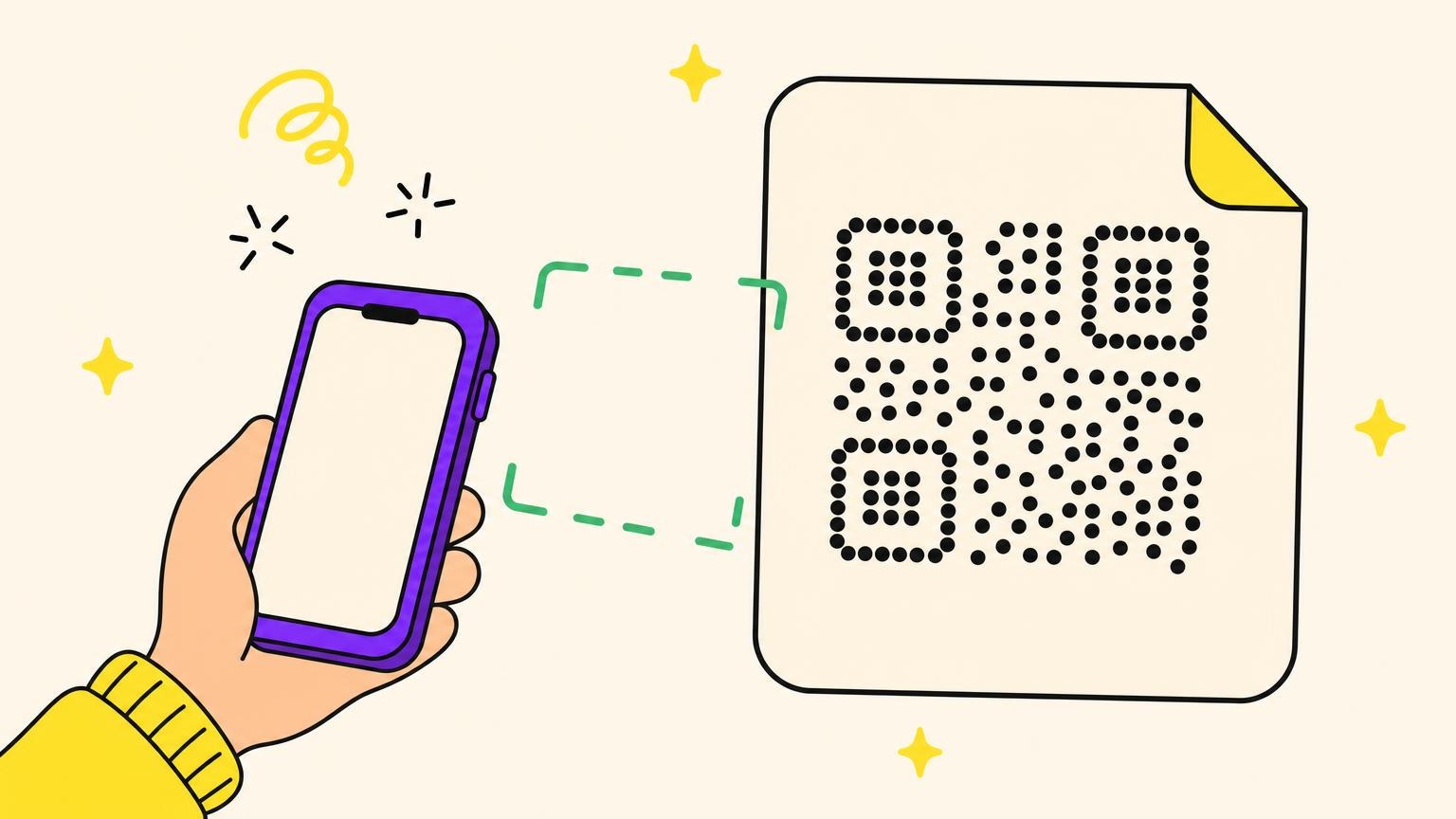
They scan the QR with their phone camera, a page opens, and they drop their photos and videos into the shared album. On the good services, no account and no app: it all happens in the browser, in a few seconds.
How much does a wedding QR code cost?
The QR itself costs nothing: it's the service behind it that you pay for. Reckon on anywhere from zero (a Google Photos album, or a free app-based service) to $40-100 for a photo-sharing platform with long-term storage, depending on the tiers out there.
Do you need an app to use these QR codes?
No, not for the essentials. Scanning happens with the phone's native camera, and the best sharing services open straight in the browser with nothing to install. Steer clear of the ones that force an app on your guests: you'll lose a chunk of them along the way.
When should you set up your wedding QR codes?
Early. Invitations go out 4 to 6 months before the wedding, and you should count on 3 to 6 weeks between signing off the design and delivery. Which is exactly why a dynamic QR earns its keep: you change its destination after printing, no reprint needed if a link shifts in the meantime.
What if a QR code doesn't work on the big day?
Always print a plain link or a short code right next to the QR as a backup, and test the scan before you send anything to the printer. It's the fix couples pass around on the forums when a code refuses to open in front of a guest.